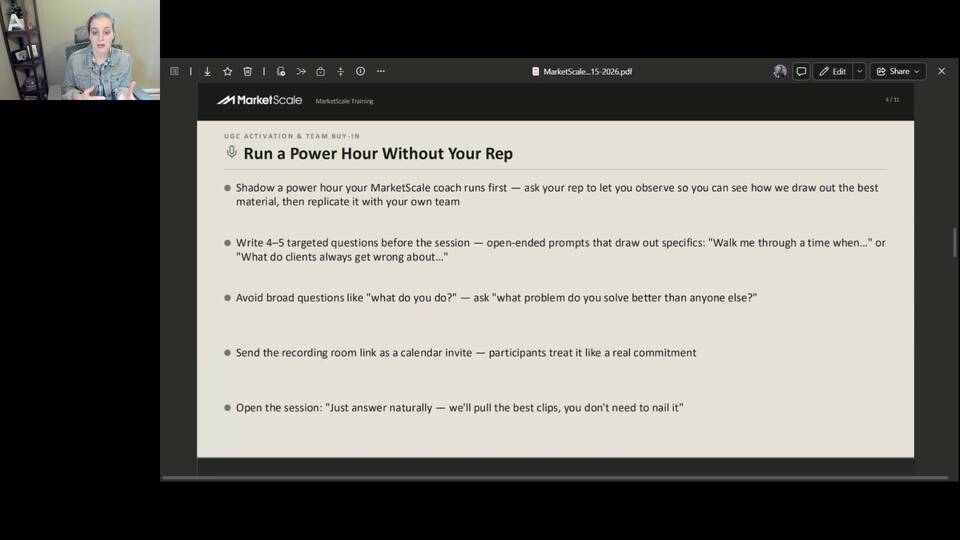
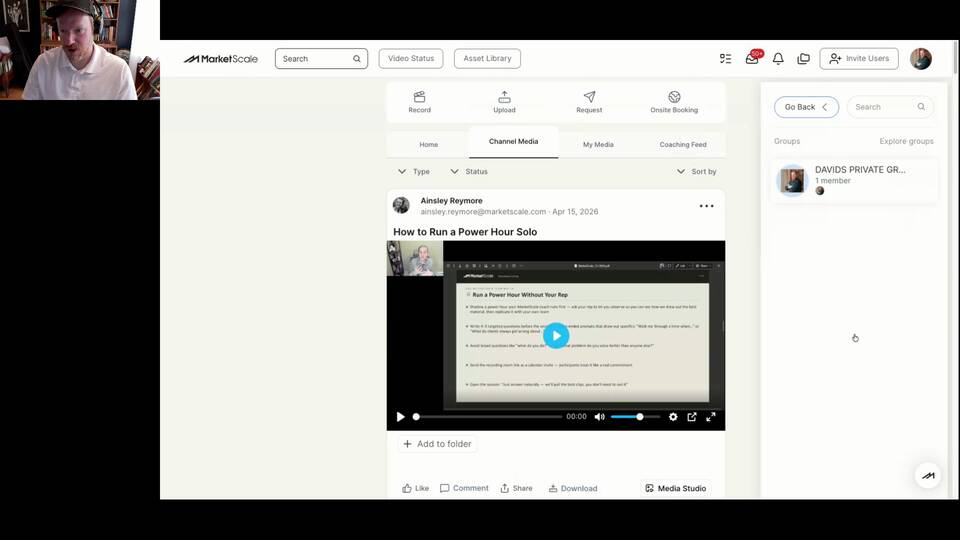
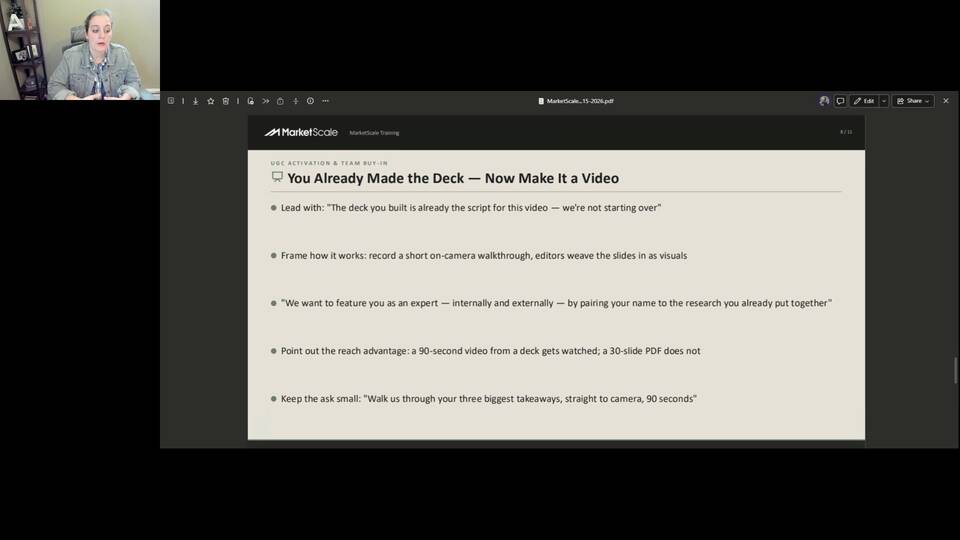
Frameworks, playbooks, and video tutorials for building a UGC-driven B2B content engine around your experts and thought leaders. Free, no subscription needed.
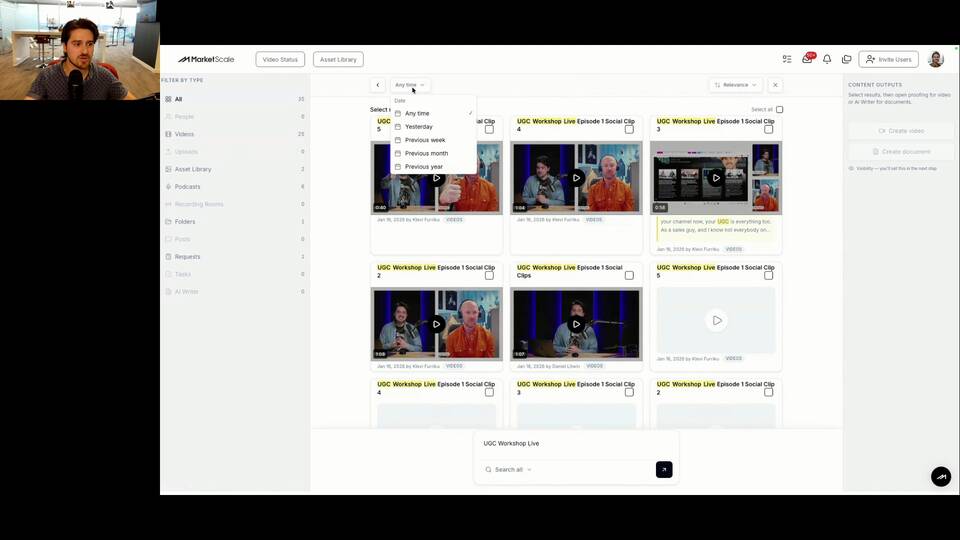
MarketScale Studio's upgraded search lets you find content across transcripts, titles, and comments in seconds. Learn to filter, bulk-select, and build projects without re-uploading.
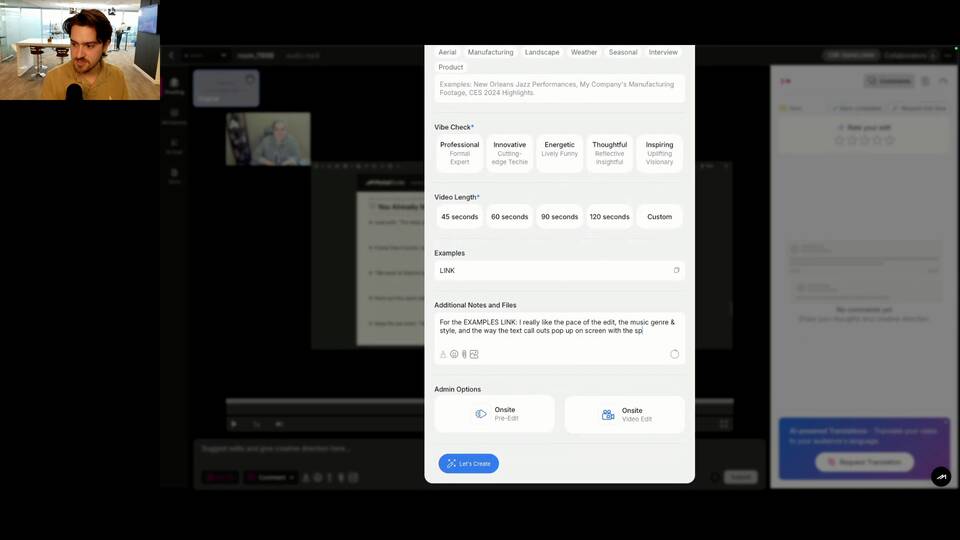
Watch now →How to Replace a Voiceover Script Video with a Real Person Talking About the Same Thing
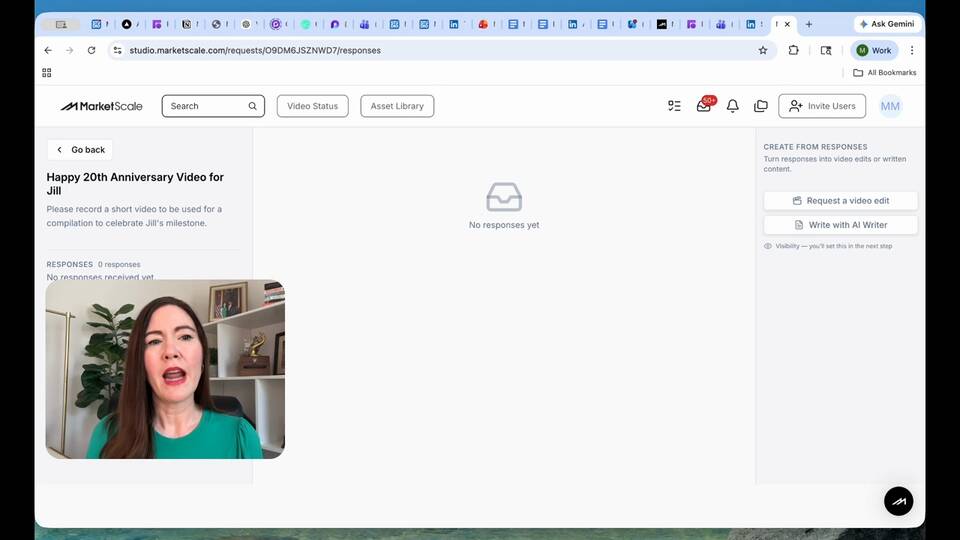
How to Collect Multi-Contributor Videos for a Tribute or Compilation Project
How to Ask Someone on the Show Floor for 60 Seconds on Camera
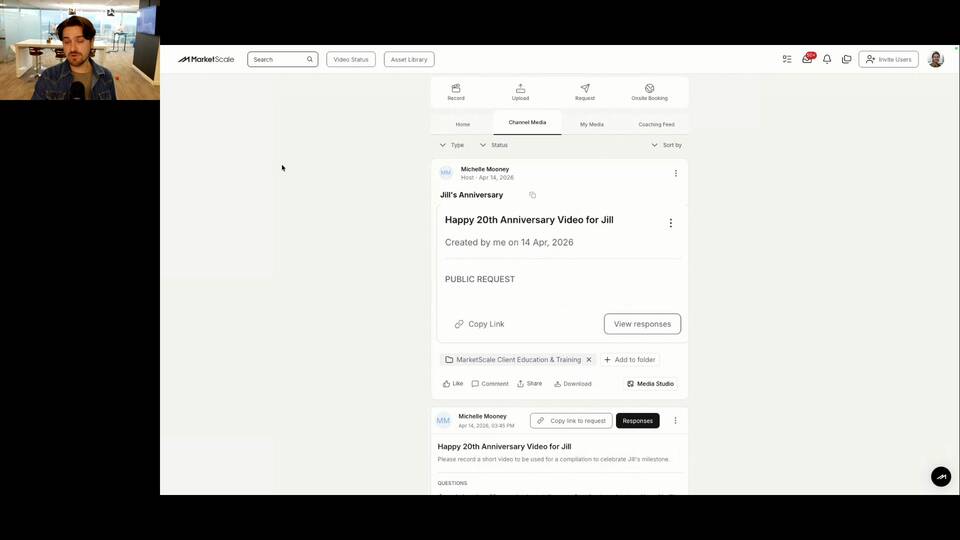
How to Produce a Product Explainer Using Existing Footage + Separate SME Narration
How to Share a Video for Multi-Stakeholder Review Before Sending Back to Editors
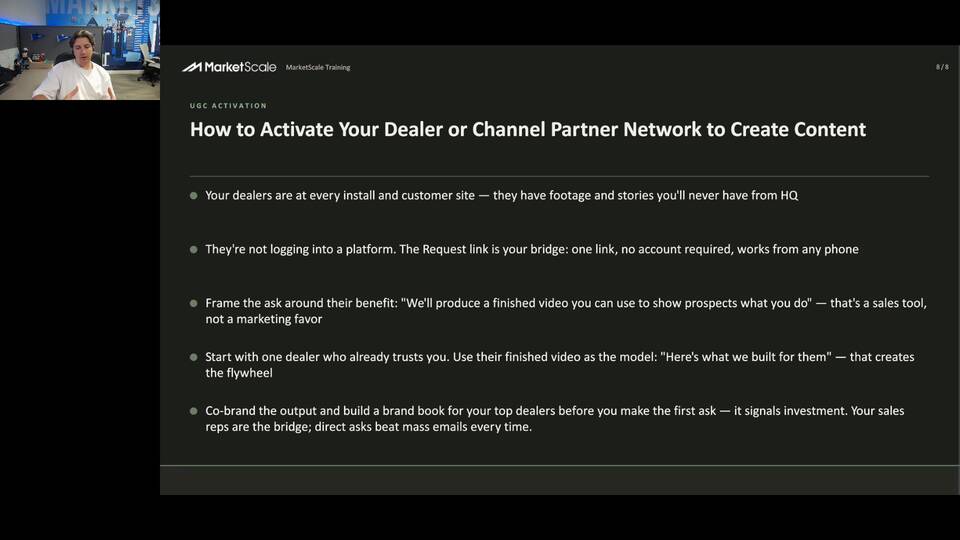
Add subtitles to any video in MarketScale, in the same language as the audio, or translated into another language, using the built-in AI transcription and translation tools.
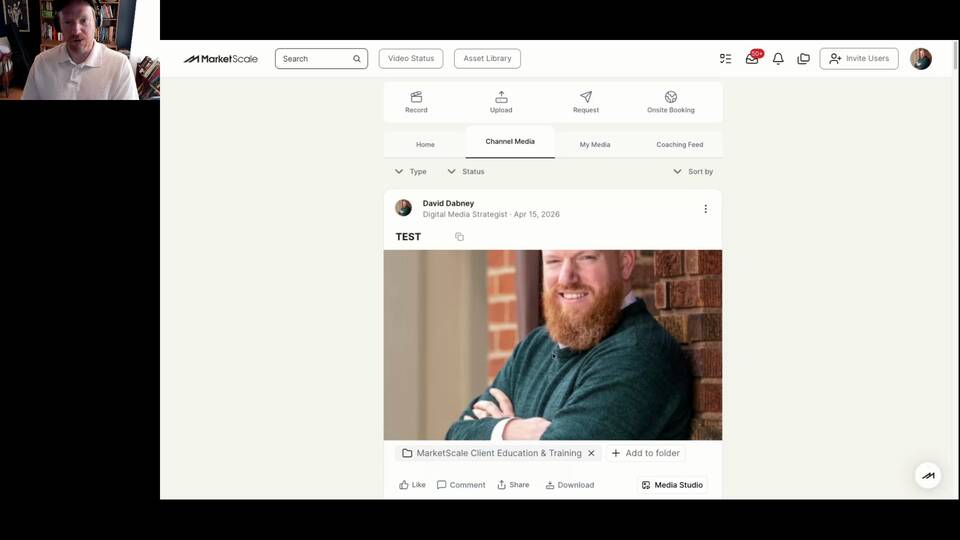
Read guide →Share & DistributeThere are two ways to share any video in MarketScale: Click the Share button on the media card, or copy the link from the ellipses menu. Both generate the same view-only link.
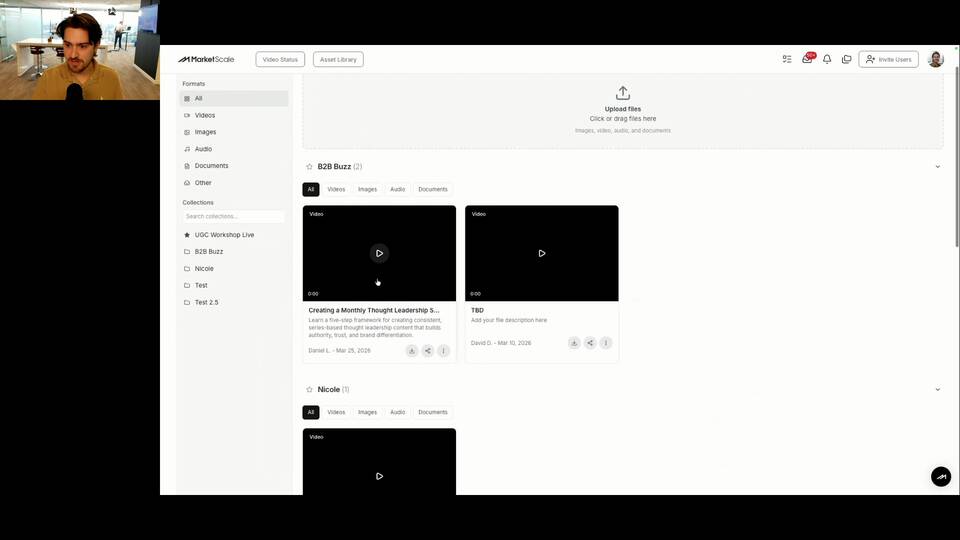
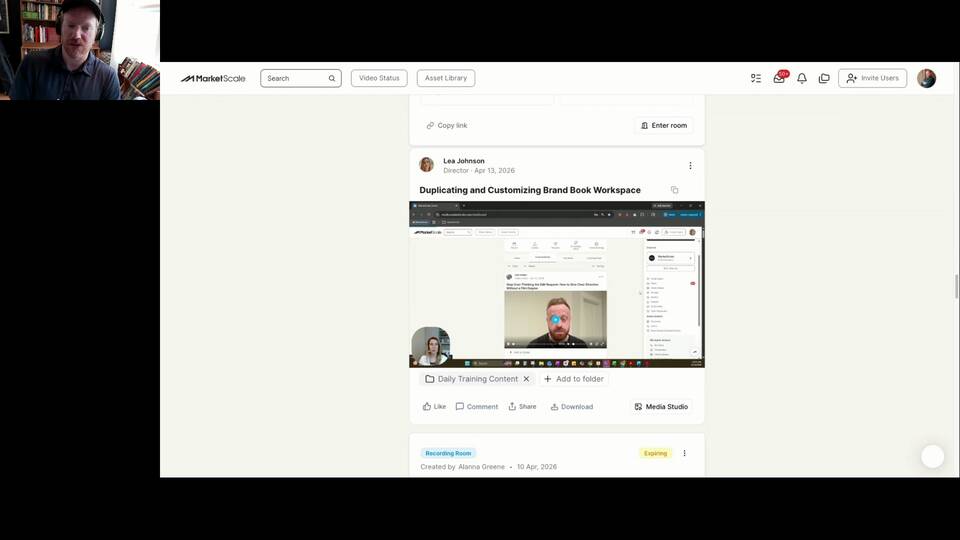
Read guide →Organize & ManageLearn how to use MarketScale folders to organize, tag, search, and batch-send media fast. Simple steps for tagging files, managing folder views, merging, renaming, and streamlining projects so your team can find assets instantly and stay organized.
Read guide →Capture & RecordRequests are a powerful tool for crowdsourcing content from your community. Collect video responses, text responses, and other media at scale from your team, customers, technology partners, and our global network of industry experts.
Read guide →Capture & RecordA complete guide to Open Link requests in MarketScale, how to create them, share them, and what new recipients experience when they click your link.
Read guide →On-Site ProductionNeed to reach out to your videographer during production? With the MarketScale Production Day App, you can easily send messages directly through the location tracker page. .
Read guide →On-Site ProductionWith MarketScale’s Production Day App, tracking your crew is simple and efficient. You’ll receive a text message with the crew's ETA and a link to view their real-time location as they travel to the production site. .
Read guide →Release NotesMerge Folders: Combine folders effortlessly to consolidate content without losing track of important assets. Delete Folders: Clean up your workspace with the ability to delete folders quickly and securely.
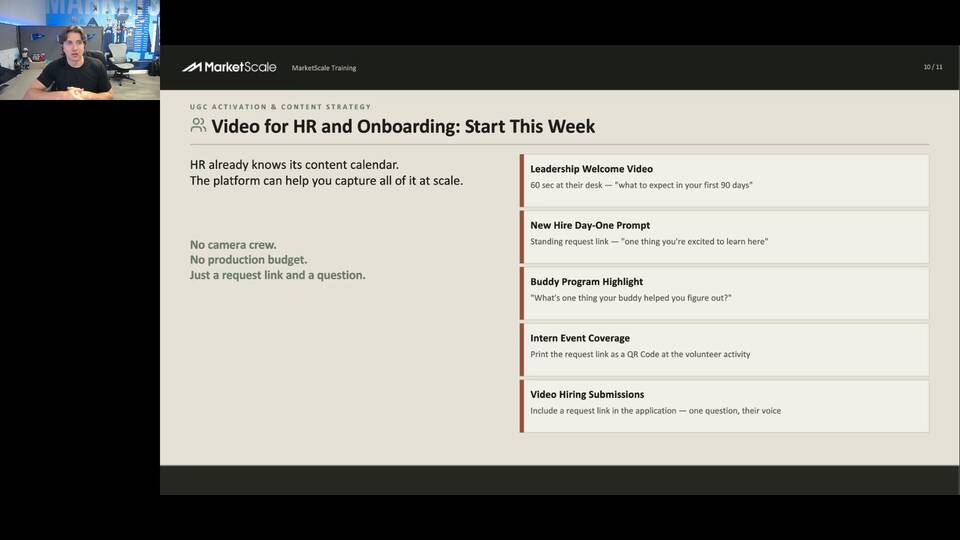
Read guide →Your experts already know what your buyers need to hear. We give you the system to capture it, transform it, and distribute it, at scale, without the production overhead.
Frameworks, playbooks, and video tutorials for building a UGC-driven B2B content engine around your experts and thought leaders. Free, no subscription needed.
MarketScale Studio's upgraded search lets you find content across transcripts, titles, and comments in seconds. Learn to filter, bulk-select, and build projects without re-uploading.
Watch now →How to Replace a Voiceover Script Video with a Real Person Talking About the Same Thing
How to Collect Multi-Contributor Videos for a Tribute or Compilation Project
How to Ask Someone on the Show Floor for 60 Seconds on Camera
How to Produce a Product Explainer Using Existing Footage + Separate SME Narration
How to Share a Video for Multi-Stakeholder Review Before Sending Back to Editors
Add subtitles to any video in MarketScale, in the same language as the audio, or translated into another language, using the built-in AI transcription and translation tools.
Read guide →Share & DistributeThere are two ways to share any video in MarketScale: Click the Share button on the media card, or copy the link from the ellipses menu. Both generate the same view-only link.
Read guide →Organize & ManageLearn how to use MarketScale folders to organize, tag, search, and batch-send media fast. Simple steps for tagging files, managing folder views, merging, renaming, and streamlining projects so your team can find assets instantly and stay organized.
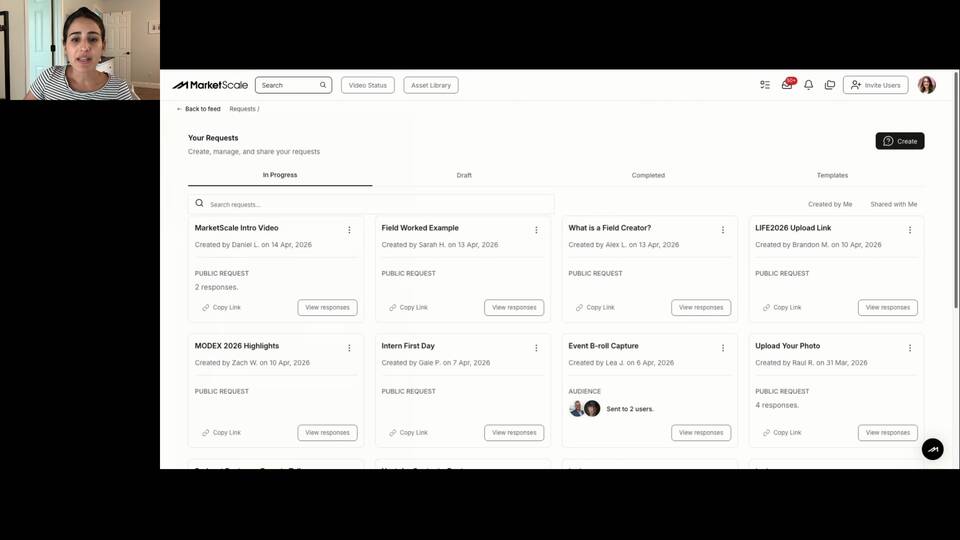
Read guide →Capture & RecordRequests are a powerful tool for crowdsourcing content from your community. Collect video responses, text responses, and other media at scale from your team, customers, technology partners, and our global network of industry experts.
Read guide →Capture & RecordA complete guide to Open Link requests in MarketScale, how to create them, share them, and what new recipients experience when they click your link.
Read guide →On-Site ProductionNeed to reach out to your videographer during production? With the MarketScale Production Day App, you can easily send messages directly through the location tracker page. .
Read guide →On-Site ProductionWith MarketScale’s Production Day App, tracking your crew is simple and efficient. You’ll receive a text message with the crew's ETA and a link to view their real-time location as they travel to the production site. .
Read guide →Release NotesMerge Folders: Combine folders effortlessly to consolidate content without losing track of important assets. Delete Folders: Clean up your workspace with the ability to delete folders quickly and securely.
Read guide →Your experts already know what your buyers need to hear. We give you the system to capture it, transform it, and distribute it, at scale, without the production overhead.